A single machine master for every asset you maintain: specifications, uploaded photographs, barcode/QR serial tags and AMC/warranty dates on one record. Scan a serial on the floor to open the asset card and its history. This register is the single source of truth every other module — spares, repairs, breakdown, PM, dashboards — hangs off. Cloud or on-premise, for manufacturers of every kind.
Every asset you maintain earns one record — specs, photo, tag and contract dates — before spares, PM or breakdown work is ever booked against it. New to the category? Start with our guide, what is CMMS software.
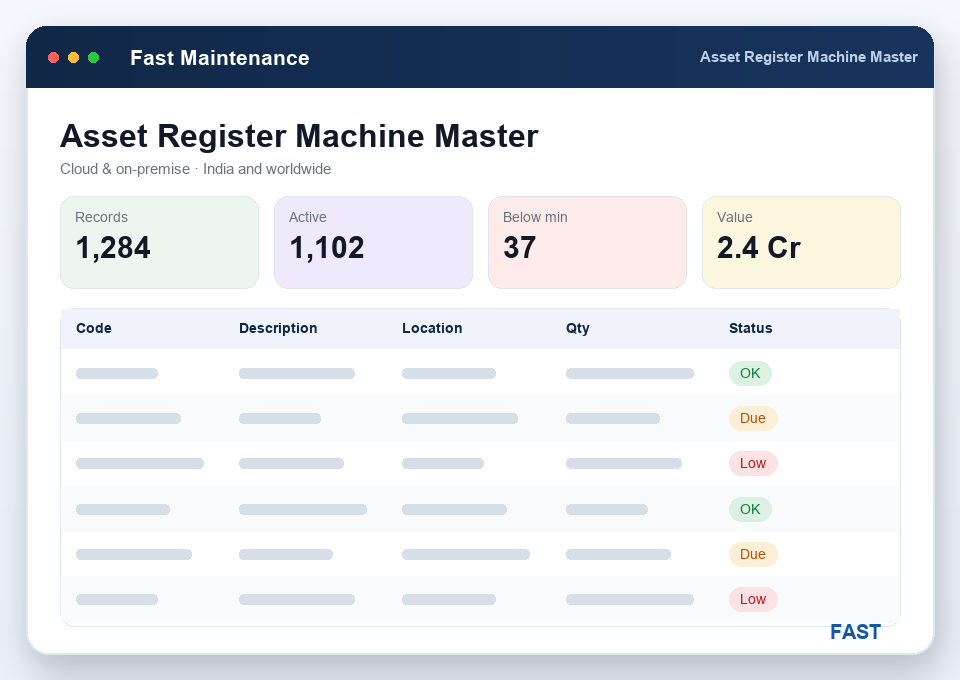
The Machine Master is where an asset comes into being. Each machine gets a machine code, a name, the workcenter it sits in and a status, plus its specifications — capacity, make, model and serial number. From that moment the asset exists in exactly one place. Spare parts, repairs, breakdown tickets and preventive-maintenance schedules all point back to this record rather than re-typing the machine, so there is never a second, slightly-different version of the same asset floating around a spreadsheet.
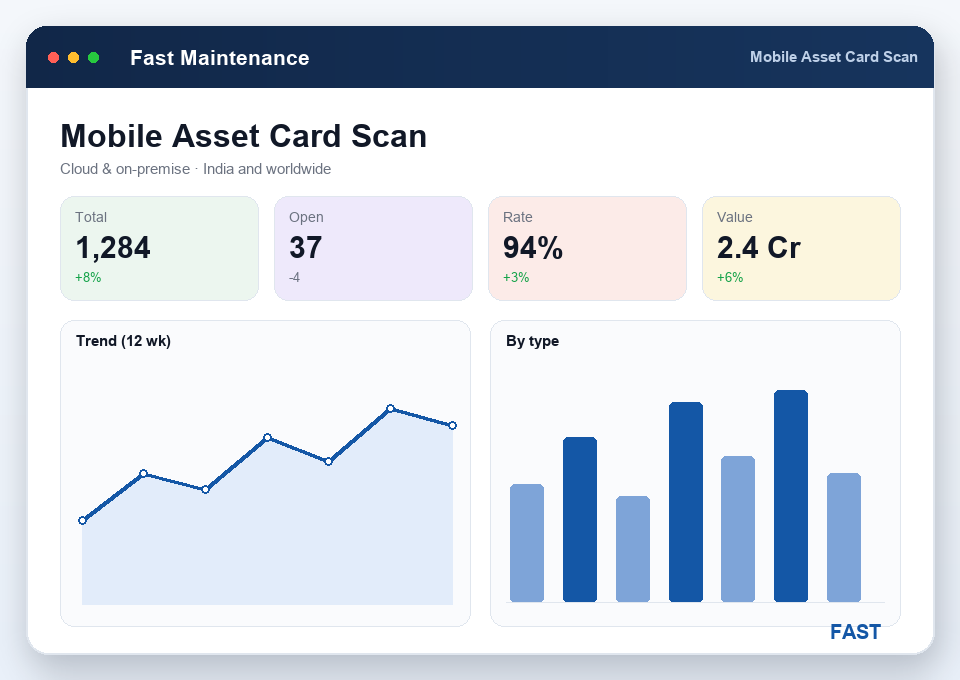
An asset you can see is an asset an engineer can identify. Upload photographs against each machine, then print its serial tag. On the floor, scan that serial with a phone to open the mobile asset card — the asset's specifications alongside its transaction history and maintenance history, without logging into the full system. A fitter standing at a broken-down machine can pull up what it is, what has been done to it and what spares it takes, right there. It is the same asset record, made portable.
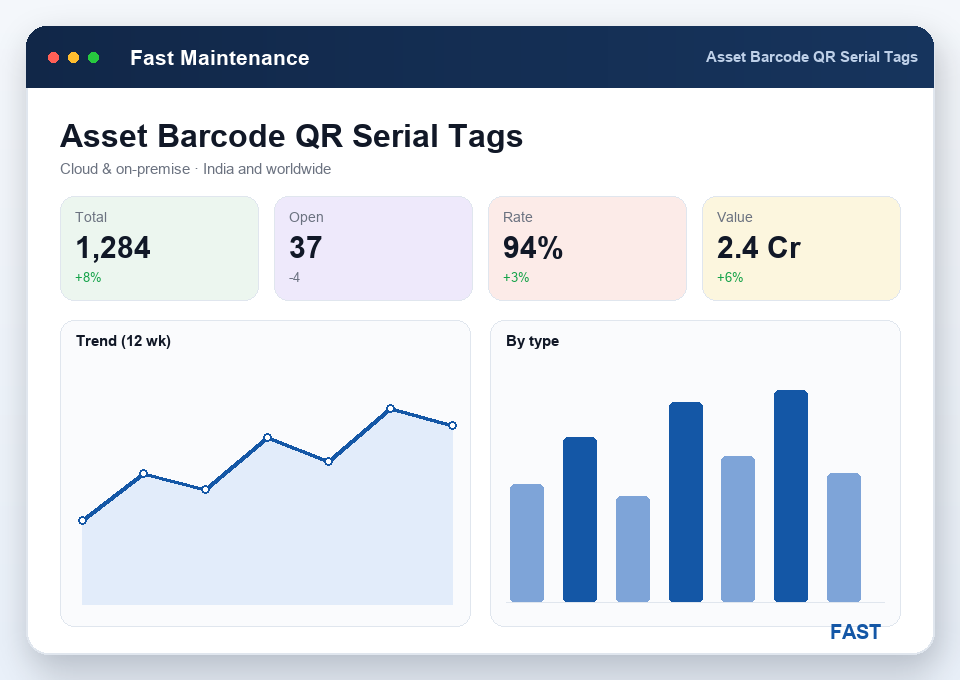
Every asset carries a serial number, and the asset-tag print screen turns that serial into a barcode or QR label you stick on the machine. That single tag is what makes the rest of the system fast: scan it to identify an asset, to raise a breakdown ticket against the right machine, to issue the right spare, or to open the mobile asset card. No more "which press is line 3, again?" — the label answers it. Tags print in batches, so kitting out a whole plant is one job, not a hundred.
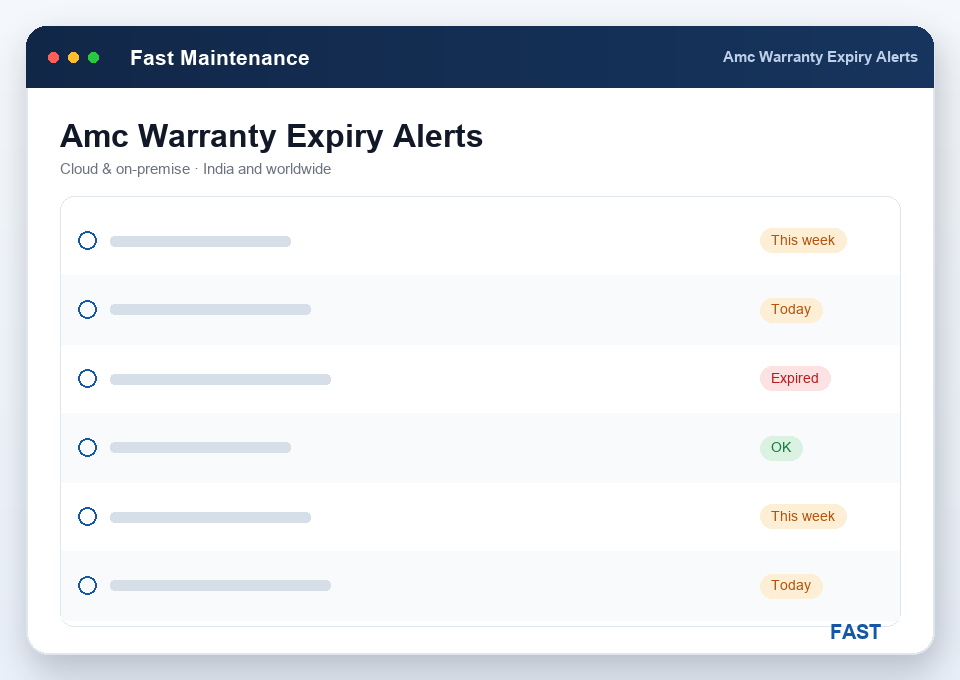
Warranty and annual-maintenance-contract dates live on the asset, and the register raises expiry recall alerts before they lapse — so a warranty claim isn't lost and an AMC renewal isn't missed because the date was buried in a folder. Building the register is quick too: import your existing asset list from Excel to populate the machine master in one go, and export it back to Excel any time for audits, insurance or reporting. It's the same register whether you run Fast Maintenance in the cloud or on-premise.
Machine code, name, workcenter and status for every machine, generator, utility or piece of plant you maintain — the backbone record.
Capacity, make, model and serial number held on the asset, so the machine's technical detail travels with every ticket and schedule.
Attach photographs to each machine, so engineers identify the asset on sight — on the desktop record and on the mobile asset card.
Serial-numbered barcode and QR asset tags printed per machine, singly or in batches, to identify and scan any asset on the floor.
Scan a serial to open the asset card — specifications plus transaction and maintenance history — from a phone, no full login needed.
Warranty and AMC expiry recall alerts, plus Excel import to build the register and export the asset list for audit and insurance.
Most maintenance pain starts with not knowing exactly what you own and where it is. Here is what a proper asset register changes.
The asset register is the machine master at the heart of Fast Maintenance CMMS — every machine, generator, chiller or piece of plant recorded once with its code, name, workcenter, specifications and photograph. Spare parts, repairs, breakdown tickets, preventive-maintenance schedules and MTTR/MTBF dashboards all hang off this one record, so an asset is defined in exactly one place.
Yes. Each entry in the Machine Master carries its specifications — capacity, make, model, serial number and workcenter — and you can upload asset photographs against it. So when an engineer opens the asset they see what it is, where it sits and what it looks like, which speeds up identification on the floor and during a breakdown call.
Every asset gets a serial number and a printed barcode or QR label. On the shop floor you scan that serial with a phone to open the mobile asset card — the asset's specifications plus its transaction and maintenance history — without logging into the full system. It turns any tagged machine into a scan-to-open record, powered by barcode & QR.
Yes. Warranty and AMC (annual maintenance contract) expiry dates are held on the asset, and the register raises expiry recall alerts before they lapse — delivered by WhatsApp, email and SMS — so a contract renewal or warranty claim is never missed because the date was buried in a file.
Yes. You can import an existing asset list from Excel to build the register quickly, and export the asset list back to Excel for audits, insurance or reporting. Fast Maintenance runs cloud or on-premise and suits manufacturers of every kind, across India and worldwide.
Live demo on your own machines — your asset master, your specs and photos, your QR tags and your AMC dates. No generic slideshow.