
There is a particular kind of bad day in maintenance: the machine is down, the technician has diagnosed it in ten minutes, the fix is simple — and then the spare turns out not to be in the store. Now the repair is not a repair; it is a wait. The part has to be found, ordered, shipped and received, and a job that should have taken two hours takes two days. Spare-part management exists to make that day rare.
This guide covers how. It works through the spare bill of materials that links each asset to its parts, how to decide spare criticality — what to stock versus source on demand — how reorder levels keep the store ahead of need, the stock and ledger discipline that keeps the count honest, how dispatch and receive handle external repairs, and above all how a stockout directly extends downtime and raises MTTR. For the wider picture, start with our pillar guide, what is CMMS software?
1. Why spares decide downtime
Maintenance teams tend to focus on people and schedules, but the single biggest swing factor in how long a breakdown lasts is often the store, not the technician. A repair has two parts: diagnosing and doing the work, and having the part to do it with. The first is a skill problem; the second is an inventory problem — and the inventory problem is the one that turns hours into days.
- The wrench time is usually short. Once the fault is known, replacing a bearing, a seal or a contactor is often quick. The long tail is almost always the wait for the part, not the work itself.
- An emergency purchase is slow and dear. A spare you did not stock has to be sourced now, at whatever price and lead time the market gives you — and while it ships, the machine sits idle and production is lost.
- Over-stocking is its own cost. The naive fix — hold everything — ties up cash in slow-moving spares that may never be used and can obsolesce on the shelf. The goal is not more stock; it is the right stock.
So spare-part management is a balancing act: hold enough of the parts that protect uptime, without drowning working capital in parts that do not. Getting that balance right is what a CMMS makes possible, because it links spares to the assets they serve and to the failures they prevent.
2. The spare BoM — linking asset to parts
The foundation of spare-part management is the spare bill of materials: the list of spare parts attached to each asset. It is the difference between a generic stores catalogue and a system that knows which parts fit which machine.
- Technician searches a generic parts catalogue at a breakdown
- No sure link between the fault and the right part
- Whether it fits, and whether it's in stock, is a guess
- Time lost hunting is time the machine is down
- The asset carries its own spare parts list
- A failure points straight to the parts that fit
- On-hand stock is visible for each spare at once
- The technician fixes instead of searching
With the spare BoM in place, the store becomes navigable by asset rather than by part number alone. When a machine fails, its spare list is one click from its asset card, each spare showing whether it is on hand. That single link — asset to spares — is what makes every other discipline in this guide possible, because reorder levels, criticality and stock reports all hang off knowing which parts belong to which machine. See Spare Parts & BoM and how it connects to the asset register.
3. Spare criticality — what to stock, what to source
You cannot — and should not — stock every spare. The art is deciding which parts earn a place on the shelf and which can be sourced when needed. That decision is criticality, and it turns on four questions, not on price alone.
| Factor | Stock it when… | Source on demand when… |
|---|---|---|
| Asset criticality | The asset it serves is critical — its failure stops production | The asset is non-critical or has redundancy |
| Lead time | The part is long-lead — days or weeks to source | The part is available locally, same-day |
| Source | It is single-source or imported | Many suppliers hold it off the shelf |
| Failure history | The part fails often, per the asset history | The part rarely, if ever, fails |
Notice that cost is deliberately not the deciding factor. A cheap part with a long lead time on a critical machine is worth stocking; an expensive part that many local suppliers hold and that rarely fails may not be. The classic trap is stocking by unit price — holding lots of cheap, easy-to-get parts while the one critical, long-lead spare that actually causes downtime is left to chance. A CMMS supports the right call because the spare BoM, the asset's criticality and its breakdown history are all in one place.
The most reliable guide to which spares matter is which parts have actually caused downtime. The asset history report and downtime analysis show the recurring failures, and Dhruv AI can cluster breakdown-cause remarks so the parts behind them stand out — turning criticality from opinion into evidence. See Dhruv AI and Dashboards & MTTR/MTBF.
4. Reorder levels — staying ahead of need
Once you know which spares to hold, the mechanism that keeps them on the shelf is the reorder level — a minimum stock quantity that, when reached, triggers replenishment before the part runs out. It is the difference between finding out you are short when you need the part, and finding out in time to do something about it.
| # | Step | What happens |
|---|---|---|
1 |
Set the level | A minimum stock quantity is set on each critical spare, based on its usage rate and lead time — enough to cover the wait for a replenishment. |
2 |
Consume as normal | Spares are issued to repairs and preventive jobs, and on-hand stock falls as they are used. |
3 |
Trigger the alert | When on-hand reaches or drops below the reorder level, the system raises a reorder alert — by email, SMS or WhatsApp — so nobody has to notice by chance. |
4 |
Replenish ahead of need | The part is reordered and received before it runs out, so the shelf is stocked when the next failure comes — and the reorder can flow into purchasing. |
Reorder levels are what turn a reactive store ("we're out, order some") into a proactive one ("we're low, top up before we're out"). Set the level to cover the replenishment lead time and you effectively guarantee the part is there when needed. A CMMS pushes the alert to the right person and can hand the reorder to Fast Inventory & Purchase so it becomes a purchase without re-keying — or across the suite to Fast Inventory.
5. Issue, stock and ledger discipline
Reorder levels are only as trustworthy as the stock figure they sit on. If on-hand stock in the system does not match the shelf, a reorder alert fires late — or not at all. So the discipline underneath everything is keeping every movement of a spare recorded, so the count stays honest.
- Issue against the job. When a spare is fitted, it is issued against the specific breakdown or preventive job, so consumption is tied to the asset and the work order — not just deducted anonymously.
- Inward on receipt. New stock is booked in when it arrives, with its location, so the shelf and the system agree.
- Return what isn't used. A part drawn but not fitted is returned through the same discipline, so it is not written off as consumed.
- Stock and ledger reports. A stock report shows current on-hand for each spare; a ledger shows the history of every movement — issue, inward, return — so any discrepancy is traceable to a transaction.
This is unglamorous but decisive. A store that records issues and receipts at the moment they happen has a stock figure planners can trust, which makes reorder levels reliable, which keeps the shelf stocked, which keeps repairs short. Skip the discipline and the whole chain weakens: the count drifts, the alert misfires, and the missing spare returns. See Asset Inward & Repairs for how issue, inward and ledger fit together.
6. Dispatch and receive for external repair
Not every repair happens in-house. A motor is rewound by a specialist, a pump goes to a vendor, an electronic card is repaired off-site. These items must be tracked out and back, or they get lost — physically and in the record.
- Dispatch for repair. The sub-assembly or spare is recorded leaving for the external vendor, so it is accounted for while it is off-site and not mistaken for missing stock.
- Receive from repair. When it returns, it is booked back in, its repair recorded, so its history — and its availability — are up to date.
- One end-to-end trail. Because dispatch and receive sit in the same system as in-house maintenance, the item's whole journey — out to the vendor and back — is one continuous record.
Handled this way, an item sent for external repair is never a mystery. You can see what is out with a vendor, what has come back, and what each item's repair history is — the same discipline the store applies to spares on the shelf, extended to spares in transit. See Asset Inward & Repairs.
7. How stockouts extend downtime — and raise MTTR
Everything in this guide points at one outcome: keeping downtime short. The mechanism by which poor spare management lengthens it is direct, and it shows up in the reliability numbers.
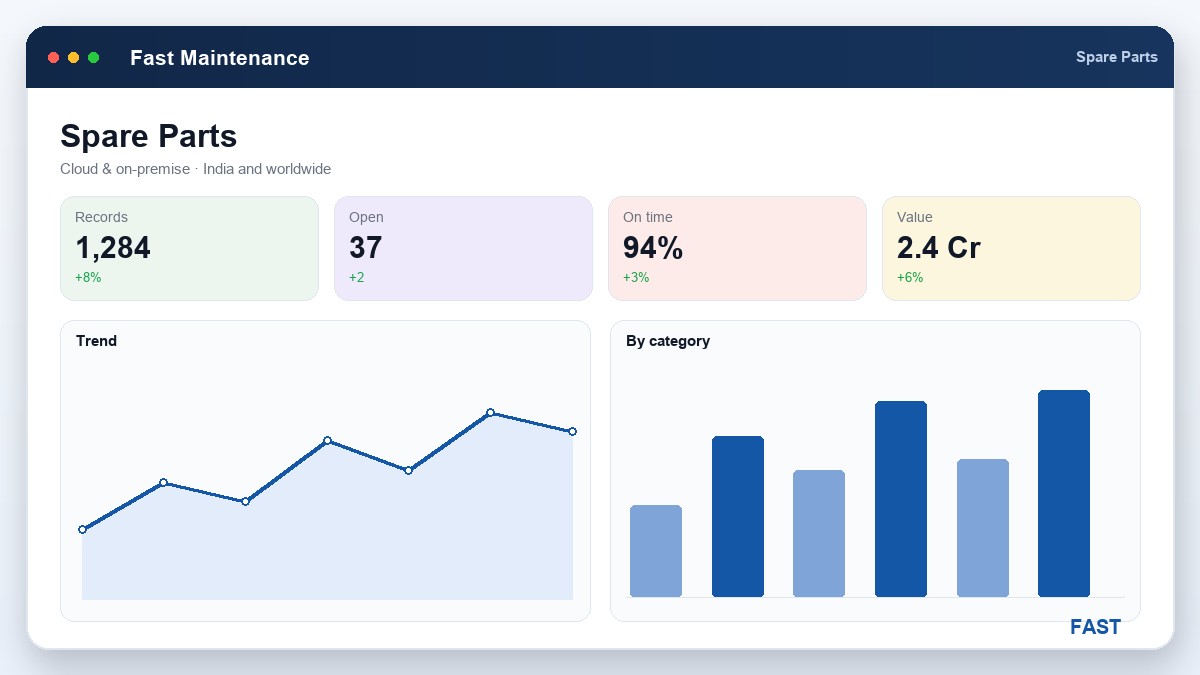
When a machine fails and the spare is not in stock, the repair cannot begin until the part is sourced. That wait — order, ship, receive — falls inside the downtime window, between the failure and the restoration. Because MTTR (mean time to repair) measures exactly that window, a stockout raises MTTR and lowers availability, even though the actual wrench time never changed. The mock dashboard below shows the idea with illustrative numbers, of the kind a spare-part MIS surfaces:
| Spare (critical) | On hand | Reorder level | Status | Repair impact |
|---|---|---|---|---|
| Drive bearing — CNC-04 | 4 | 2 | OK | Fix in hours |
| Contactor — Press-02 | 1 | 2 | Reorder due | At risk |
| Servo card — CNC-07 | 0 | 1 | Stockout | Days lost, MTTR up |
| Seal kit — Pump-11 | 6 | 3 | OK | Fix in hours |
| Encoder — CNC-04 | 0 | 1 | Stockout | Days lost, MTTR up |
Illustrative figures inside a mock spare-part MIS card — not real plant data. The pattern is what matters: the two rows at zero stock are the ones that will turn a quick fix into a multi-day outage and push MTTR up.
The reverse is equally direct: keep the critical spares stocked to their reorder levels and the repair is limited to the work itself, so MTTR stays low and availability stays high. This is why spare-part discipline is not a stores back-office concern — it is one of the strongest levers a maintenance team has on machine availability. For the metrics it moves, see MTTR & MTBF explained, and for the strategy it supports, preventive vs breakdown maintenance.
Link every asset to its spares. Never let a stockout extend a repair.
Fast Maintenance attaches a spare BoM to each asset, sets reorder levels on the critical spares, issues spares against repairs, and keeps stock and ledger honest — with dispatch and receive for parts sent to outside vendors. Reorder alerts go out over WhatsApp, email and SMS and connect to Fast Inventory & Purchase, so the right spare is on the shelf when the machine fails. Cloud or on-premise, for manufacturers of every kind across India and worldwide.
8. How Fast Maintenance implements spare management
Fast Maintenance Software builds spare-part management into the same workflow as the maintenance it supports, so keeping the store right is part of running the job, not a separate chore:
| Capability | How Fast Maintenance Software does it |
|---|---|
| Spare BoM | A spare parts list is attached to each asset, so a breakdown points straight to the parts that fit it and their stock. See Spare Parts & BoM. |
| Reorder levels | Minimum stock levels on critical spares raise a reorder alert over email, SMS or WhatsApp before the part runs out, so the shelf is stocked ahead of need. |
| Issue & stock/ledger | Spares are issued against the repair or preventive job, inward on receipt, returned if unused — with a stock and ledger report on every movement. See Asset Inward & Repairs. |
| Dispatch & receive | Sub-assemblies sent to an external vendor are dispatched for repair and booked back on receipt, so nothing is lost in transit and its repair history is kept. |
| Procurement link | Reorders flow into Fast Inventory & Purchase so a reorder alert becomes a purchase without re-keying. |
| Analytics | Dhruv AI summarises spare consumption and slow-moving stock, and clusters breakdown-cause remarks, so you can see which spares actually protect uptime. |
The result is a store that keeps the right spare on the shelf, ties every part to the asset and the job it served, and reorders before a stockout — so a missing part stops being the reason a repair drags on. For how it all connects, start with what CMMS software is, and read how spare availability keeps MTTR down and supports the shift from breakdown to preventive maintenance.
9. Frequently asked questions
Keep the right spare on the shelf
A 30-minute demo — spare BoM per asset, reorder levels and alerts, stock & ledger, and dispatch/receive for external repair, on your own assets.